For analysts, new team members and AI agents
Understand what your data means
Column names do not say what data means. DataTug records meanings once for the whole project; MeaningGraph, planned, is to link them across sources so people and agents read the same definitions.
Starts here: AI agent buildersData analysts
Also useful: Developers (also useful)Helpdesk (also useful)SRE and on-call (also useful)
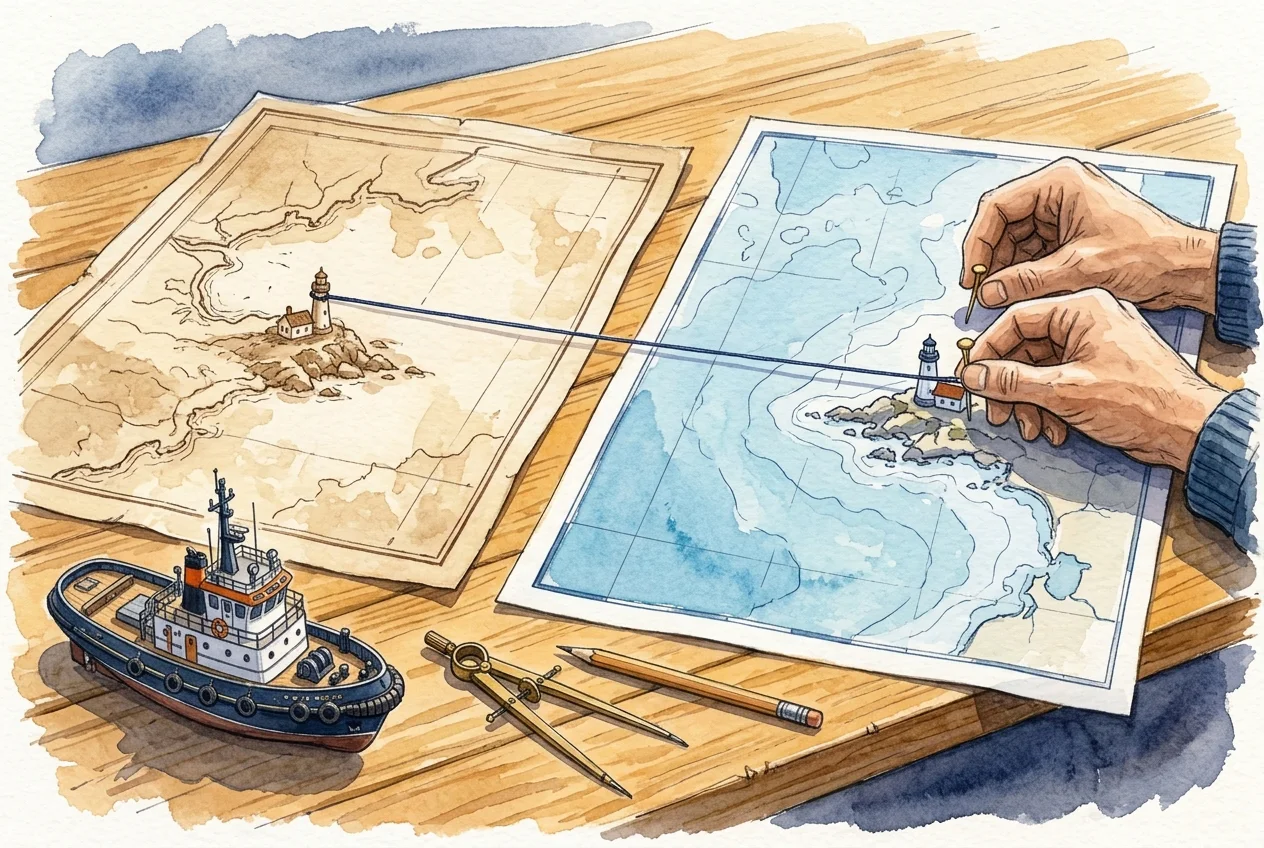
Illustration · sample data, not a capture
One order, three column names
| Where | Column | Meaning |
|---|---|---|
| Northwind | Orders.OrderID | Order ID |
| Payments | payments.order_ref | Order ID |
| Carrier API | requests.order_id | Order ID |
- A person records each meaning once, for the project. Column meaningsAvailable
- MeaningGraph links the three as the same order, so a join needs no ON clause. MeaningGraph integrationPlanned
Static illustration of the intended flow, not a capture of the product. Column meanings are available; MeaningGraph linking and join-by-meaning are planned.
The problem
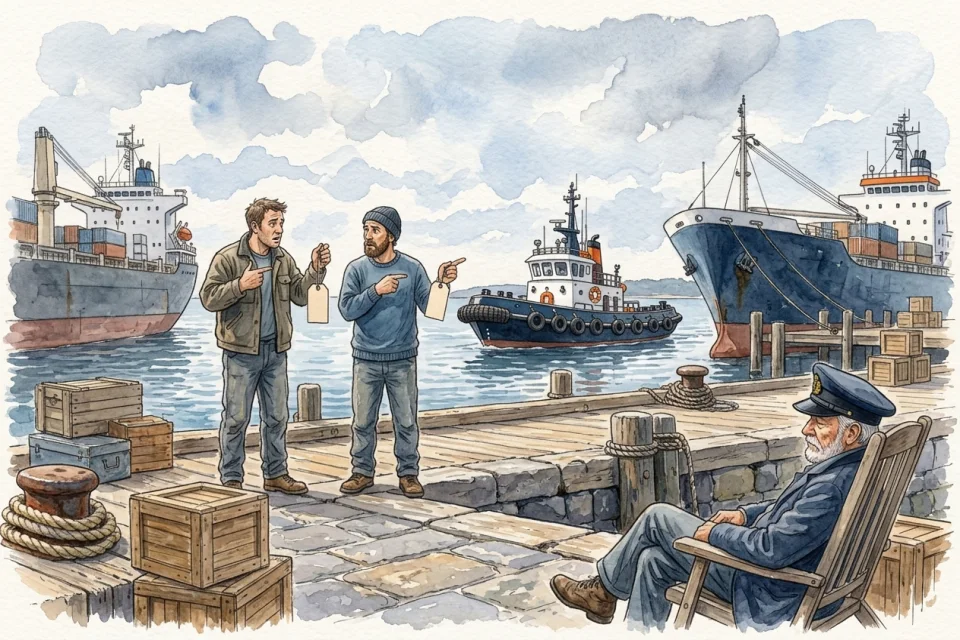
The order is OrderID in one database, order_ref in another and order_id in the carrier’s API. An amount is cents in one table and dollars in the next. A status of 3 means “packed” to the people who wrote the code and nothing to anyone else.
That knowledge lives in a few heads. Every analyst writes a private glossary, and an AI model asked to join two tables guesses from the names.
Before and after
Who: Analysts, new team members and AI agents

Today
4 tools2 hand-offsno shared password
- Ask the one person who knows, and wait.
- Read application code to learn what a status value means.
- Keep a private glossary that disagrees with a colleague’s.
- Let an agent guess a join, then check it by hand.

With DataTug
1 workspace0 hand-offsno shared password
Some steps are planned or in development.
- Browse the schema of every source in the project in one place.Schema browsing in the web appPreview
- Give a column a meaning (Order ID, Email, Amount in cents) once, for the whole project.Column meaningsAvailable
- MeaningGraph links the same meaning across sources, so the order is recognised in every database that holds it.MeaningGraph integrationPlanned
- Meanings are suggested from how the team queries, and confirmed by a person.MeaningGraph learning loopExploring
Each step names the part of DataTug it relies on and that part’s status today. “Planned” and “In development” steps describe where the product is going, not what you can use now.
Where it meets the other solutions
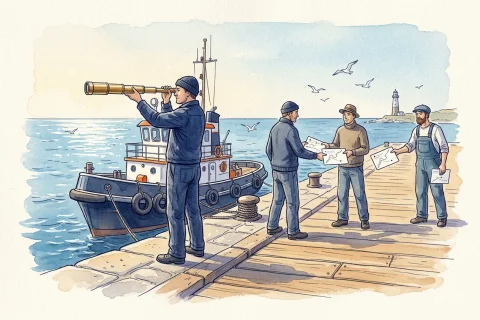 Data Exploration & Sharing Planned: known meanings become suggested joins, so picking two tables brings a proposed connection.
 Incident Investigation Following related records during an incident is meant to cross databases because the meaning, not the column name, says what connects (MeaningGraph linking is planned).
 Safe Data Access A meaning such as “email address” is what masking is meant to follow, in every table that holds one.
Try it on sample data
The public demo project opens in the browser with sample Northwind and Chinook data. No sign-up.
Explore the demo project