For developers, analysts and support leads
Explore data across sources and share the answer
One project holds your sources, your queries and your dashboards. A question asked once becomes something the team can rerun, not a screenshot in a chat.
Starts here: DevelopersData analystsQA and testers
The problem
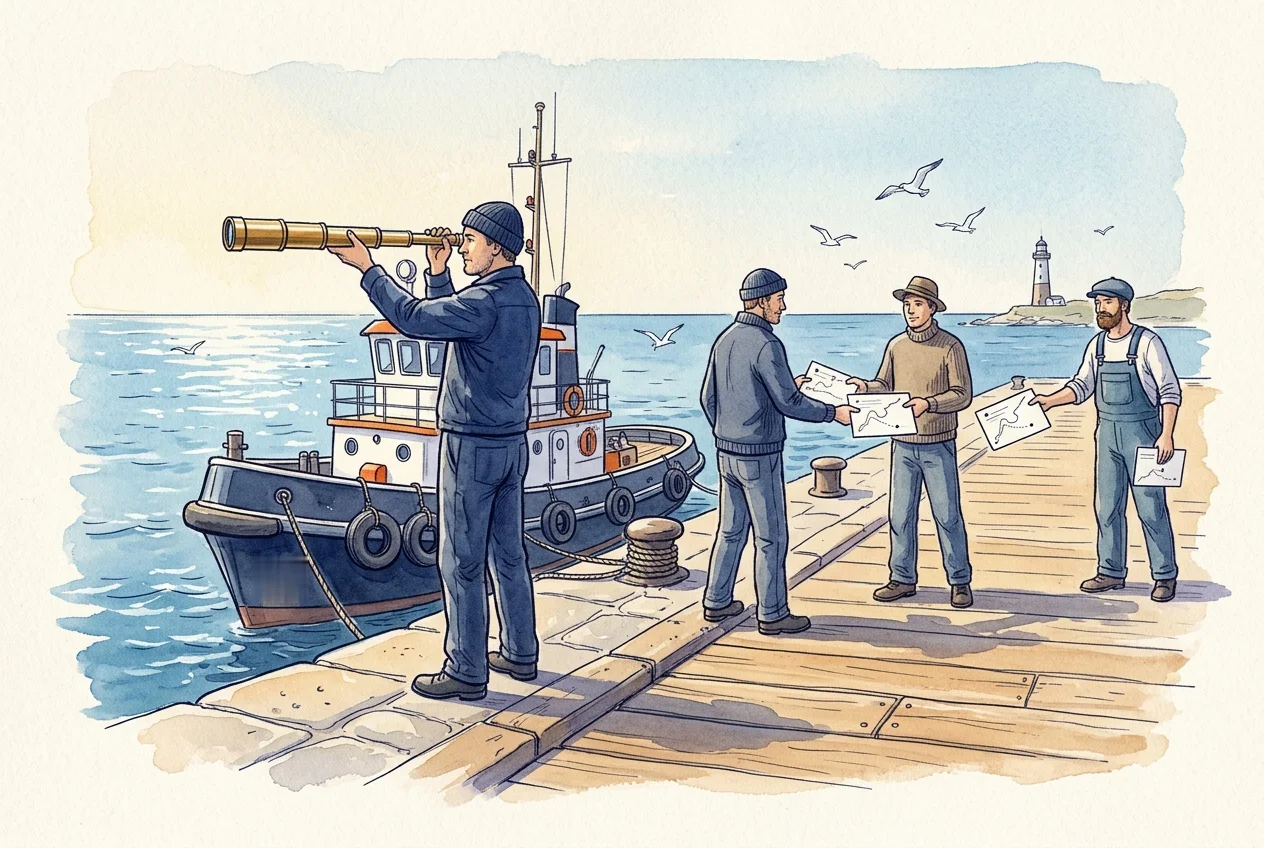
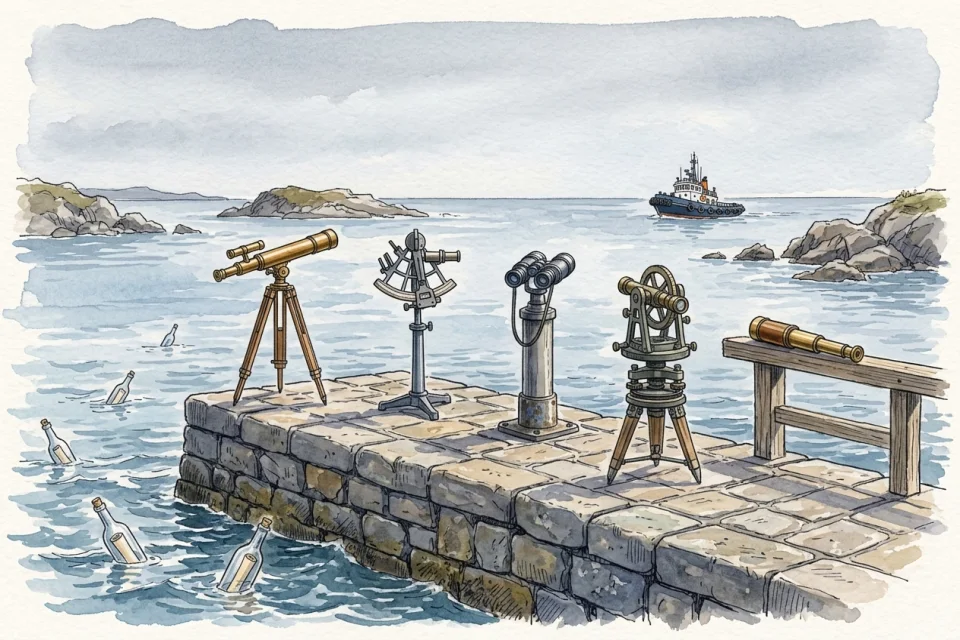
Each database has its own client. Combining two of them means exporting CSVs and matching rows in a spreadsheet. A useful query ends up pasted in a chat with the customer ID edited by hand, and nobody can tell which version produced last week’s number.
Dashboards built that way cannot be traced back to the query behind them, so the team stops trusting them.
Before and after
Who: Developers, analysts and support leads

Today
4 tools2 hand-offsno shared password
- Open a different client for each database.
- Export two CSVs and reconcile them by hand.
- Paste the query into a chat; edit the values for the next customer.
- Rebuild the dashboard when someone asks where a number came from.
With DataTug
1 workspace0 hand-offsno shared password
Some steps are planned or in development.
- Keep every source in one project and save queries with named parameters.Query workspace in the web appAvailable
- Join across sources with TugQL from the CLI.Cross-source TugQL joins in the CLIAvailable
- Join across sources in the browser too.Cross-source TugQL joins in the browserIn development
- Open the record behind a value with a card, and pin saved queries to a dashboard.DashboardsAvailable
- Dashboards on a shared project rerun their saved queries.DashboardsAvailable
Each step names the part of DataTug it relies on and that part’s status today. “Planned” and “In development” steps describe where the product is going, not what you can use now.
Illustration · sample data, not a capture
One question across two databases
from Orders o
join payments p on p.order_ref = o.OrderID
where o.CustomerID = 'BOTTM'
select o.OrderID, p.status, o.ShippedDate| OrderID | payment | shipped |
|---|---|---|
| 11045 | captured | not yet |
| 10918 | captured | 1 March |
- Join across sources from the CLI, with TugQL. Cross-source TugQL joins in the CLIAvailable
- The same in the browser. Cross-source TugQL joins in the browserIn development
Where it meets the other solutions
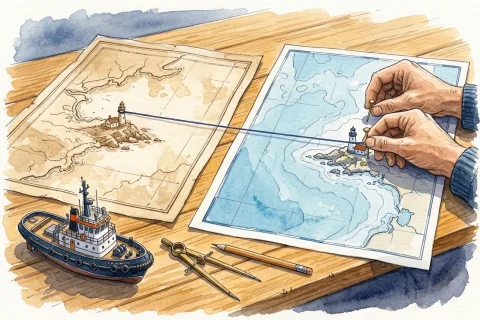 Data Understanding MeaningGraph is planned to suggest the join between two sources, so exploring a new pair of databases does not start from a blank ON clause.
 Data Quality & Monitoring A query you run every morning to look for trouble can become a Check you rerun; running it on a schedule with Watch is planned.
 Safe Data Access A shared query is meant to run under the reader’s own access, so sharing it does not share the author’s rights.
Try it on sample data
The public demo project opens in the browser with sample Northwind and Chinook data. No sign-up.
Explore the demo project